An online period tracker can be useful when you want a quick, private-feeling place to estimate your next period without installing a new phone app. You open a browser, enter cycle details, and get a calendar view that can help you plan supplies, travel, workouts, school days, workdays, sleep, or conversations with a clinician.
The calm version of online tracking is not about watching your body every hour. It is about keeping enough information to understand patterns, while remembering that a tracker is a planning tool, not a medical device. PeriodlyWise is built around that balance: helpful estimates, realistic ranges, privacy-aware choices, and plain language about limits.
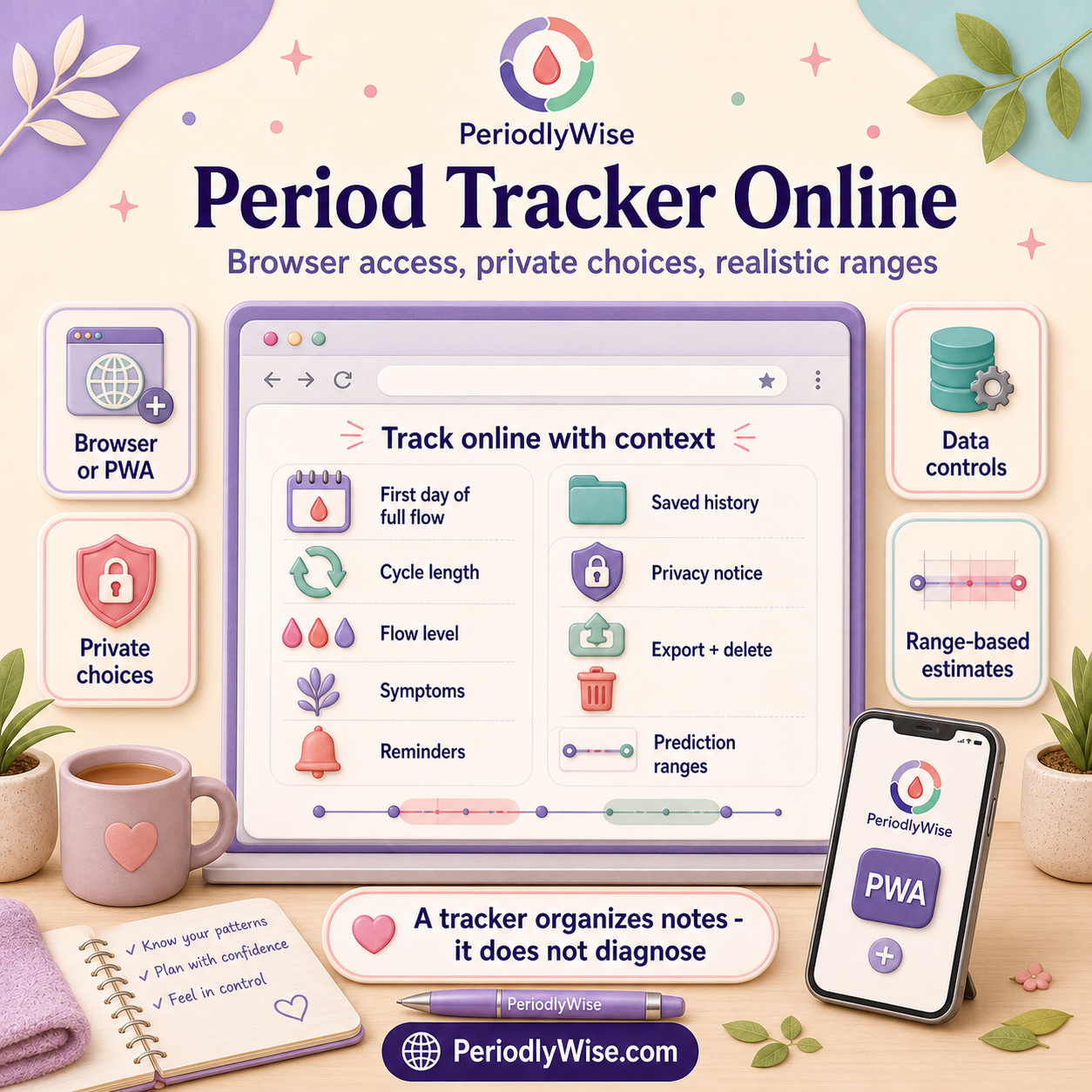
What "period tracker online" really means
An online tracker runs through a website or web app rather than only through a native app store download. In practical terms, that can mean faster access from a phone, tablet, laptop, or shared-but-private device. It can also mean fewer installation steps when you only need a quick estimate.
Online does not automatically mean temporary, and app does not automatically mean permanent. Some online trackers store records only in the browser unless you sign in. Others sync records through an account. Some can be installed as a progressive web app on supported devices, giving you a home-screen icon while still using the website. The right question is not only "online or app?" but "what is stored, where is it stored, and how much control do I have?"
If you are comparing formats, read Period Tracker App vs Online Tracker. This guide focuses on using the online format well.
The inputs that make the estimate useful
A tracker cannot create a reliable pattern from vague entries. Start with the details that matter most:
Use the first day of real menstrual bleeding as cycle day 1. Do not use the final bleeding day, and note uncertain spotting separately.
Count from the first day of one period to the first day of the next. Your own recent pattern is more useful than assuming 28 days.
This helps show the likely bleeding window and can reveal changes in how long periods last.
Regular cycles can use a narrower estimate. Variable cycles need wider ranges and more humility from the tracker.
If the difference between cycle length and period length feels confusing, pause with Cycle Length Meaning before entering numbers.
How PeriodlyWise turns dates into ranges
PeriodlyWise starts from the last period start date and average cycle length to estimate the next period. It then places ovulation timing in relation to the expected next period, with a broader fertile-window estimate around that likely ovulation timing. The result is shown as context, not certainty.
The Office on Women's Health explains that menstrual cycle length can vary, and ACOG describes fertility-awareness timing as something that requires careful rules and context. That is why PeriodlyWise uses ranges and keeps medical limits visible. For the exact calculation model, see How Calculations Work.
Privacy checks before you save sensitive history
Period dates can reveal more than people expect. Repeated start dates, late periods, symptoms, fertility goals, sexual activity, medication changes, mood notes, and pregnancy-related concerns can become sensitive personal context. The FTC advises users to check how health apps collect, use, share, and protect information. A consumer tracker is not automatically protected by health privacy laws just because it handles health-related data.
Before saving detailed history in any online tracker, ask:
- Is basic use possible without an account? That may suit quick estimates, but saved history may need sign-in.
- What information is stored locally, and what is stored under an account? Browser storage and account storage have different tradeoffs.
- Can I correct, export, or delete records? Data controls matter more than a polished settings screen.
- What permissions are requested? A period tracker usually should not need unnecessary access to location, contacts, photos, or unrelated device data.
- Does the site explain ads, cookies, analytics, and service providers? Sensitive tools should make this understandable.
PeriodlyWise explains its approach on Privacy-First Cycle Tracking, with supporting details in the Privacy Policy and Cookie Policy.
A small routine that works on real days
The best tracking routine is one you can still do when your period arrives at a busy, tired, inconvenient moment. Start with a minimum entry and add more only when useful.
- Mark the start date. This is the foundation for period, ovulation, and fertile-window estimates.
- Record flow simply. Light, medium, heavy, or changing is often enough for everyday awareness.
- Add one or two symptoms. Choose what affects the day: cramps, fatigue, headache, mood, digestion, sleep, or spotting.
- Note context when timing changes. Illness, travel, stress, sleep disruption, medication, contraception changes, postpartum changes, or perimenopause can matter.
- Write what helped. Heat, rest, hydration, food, gentle movement, a product change, medication used safely, or asking for support can be more useful than a perfect symptom list.
For a lighter emotional approach, read Learning Your Cycle Without Obsessing Over It.
When an online tracker is especially helpful
A likely window helps you pack pads, tampons, cups, liners, period underwear, pain relief, or backup clothes before a busy day.
Repeated start dates can show whether a period was early, late, short, long, or within your usual range.
Brief notes can show whether headaches, cramps, mood shifts, sleep changes, or digestive symptoms cluster before bleeding.
A clear record of dates, flow, pain, spotting, and changes can make medical conversations more specific.
When estimates are less reliable
Calendar predictions need extra caution when cycles vary widely, periods are absent, menstruation has recently started, you are postpartum or breastfeeding, you are approaching menopause, or hormonal contraception was recently started, stopped, missed, or changed. Illness, major stress, travel, weight change, intensive exercise, PCOS, thyroid conditions, and some medications can also shift timing.
If your cycle history is variable, use the Irregular Period Tracker and read Track Irregular Periods Without Guessing. A wide honest range is better than one confident date that does not match your body.
What an online period tracker cannot do
An online period tracker cannot diagnose PMS, PCOS, endometriosis, fibroids, thyroid disease, pregnancy, miscarriage, infection, anemia, infertility, or any other health condition. It cannot confirm ovulation or guarantee conception. It also cannot identify safe days for unprotected sex.
Seek medical care for very heavy bleeding, bleeding that soaks products quickly, severe or new pelvic pain, fainting, dizziness, shortness of breath, fever, unusual discharge, bleeding after sex, bleeding after menopause, possible pregnancy with pain or bleeding, periods that stop unexpectedly, or symptoms that feel unsafe or disruptive.
FAQ
Can I track my period online without downloading an app?
Yes. A browser-based tracker can estimate cycle timing without a native app download. Features such as saved history, account syncing, or reminders vary by product.
Is an online period tracker private?
It depends on the site. Read the privacy policy, check account requirements, understand local versus account storage, and review deletion, export, cookies, analytics, and sharing controls.
Is PeriodlyWise only a website?
PeriodlyWise opens in a browser and can also be installed as a progressive web app on supported devices, so you can use it in the format that fits your routine.
Can an online tracker tell me if I am pregnant?
No. A tracker can show that a period is later than expected, but it cannot confirm pregnancy. Use an appropriately timed pregnancy test and seek medical advice for concerning symptoms.
Use PeriodlyWise to estimate your next period window, ovulation timing, and fertile window from a browser, with clear limits and privacy-aware choices.
Open the Online Period Tracker